{cat_tips_info color=""}给自己的站点增添点小乐趣 ~ ~{/cat_tips_info}
演示
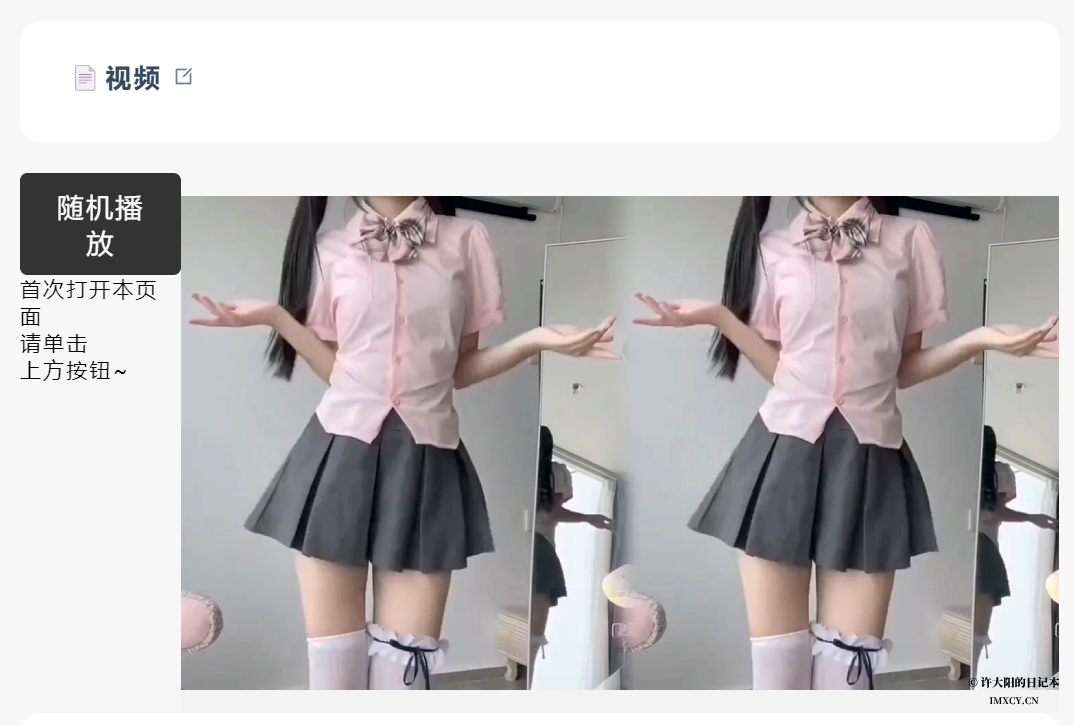
- 本站导航栏 ➜ 其他 ➜ 视频
- 图片演示
代码
{cat_hide}
<!DOCTYPE html>
<html>
<head>
<title>小姐姐视频</title>
<meta charset="utf-8">
</head>
<body>
<div style="display: flex; justify-content: center;">
    <div style="display: flex; flex-direction: column; justify-content: flex-start;">
        <button onclick="playRandomVideo()">随机播放</button>
        <p>首次打开本页面<br>请单击<br>上方按钮~</p>
    </div>
    <div style="display: flex; justify-content: center;">
        <?php
            $api_url = 'your_API';
            $video = file_get_contents($api_url);
            echo "<video width='640' height='360' src='$video' controls autoplay></video>";
        ?>
    </div>
</div>
<style>
    video {
        max-width: 100%;
        max-height: 100%;
    }
    button {
        font-size: 18px;
        padding: 10px 20px;
        border: none;
        border-radius: 5px;
        cursor: pointer;
        background-color: #333;
        color: #fff;
    }
    button:hover {
        background-color: #666;
    }
</style>
<script>
    var video = document.getElementsByTagName('video')[0];
    var isContinuous = true;
    video.addEventListener('ended', function() {
        if (isContinuous) {
            video.src = '<?php echo $api_url; ?>';
            video.play();
        }
    });

    function playRandomVideo() {
        video.src = '<?php echo $api_url; ?>';
        video.play();
    }
</script>
</body>
</html>
{/cat_hide}
使用
将代码中的{cat_copy text="your_API"}更换成自己将要使用的API即可!
更新
2024/1/28:<div style="display: flex; justify-content: center; margin-bottom: 20px;">段增加margin-bottom: 20px;让视频下方有点距离感。
your_API
6666666
666666
可以出个详细教程吗
直接用就行
??????
感谢分享?
看看小姐姐??
????????
都都对等到点?
????🤑?????你好